App Store screenshot layouts
App Screenshot Tools
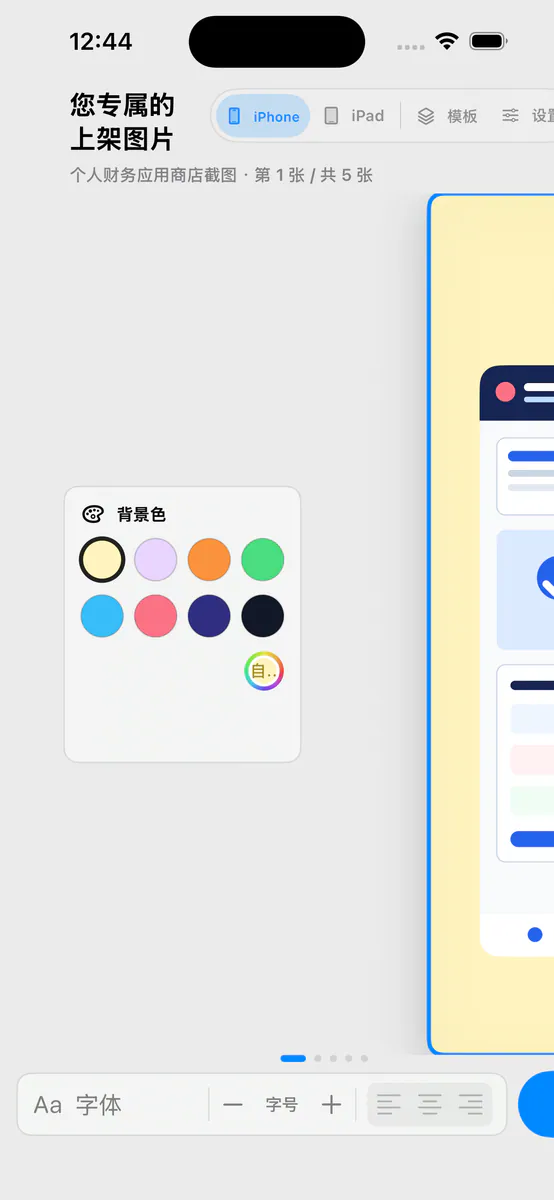
Turn your screenshots into clear, ready-to-review product images on your device: choose a template, edit the message and background, save the project, and export PNG or ZIP.
Opening the United States App Store
- Renamed to App Screenshot Tools.
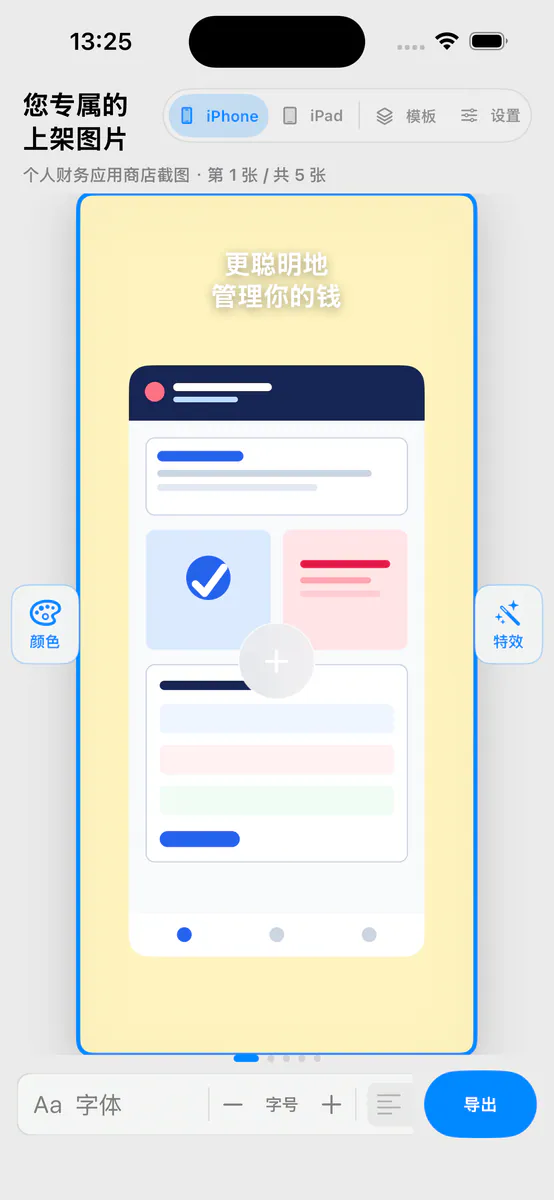
- Improved text box creation, deletion, dragging, and full-screen editing. Use different font sizes and colors within the same text box.
- Open previews when needed, enjoy clearer device controls, and move text more smoothly.
App Store screenshot layouts
Features
- 01
Templates start with the right canvas
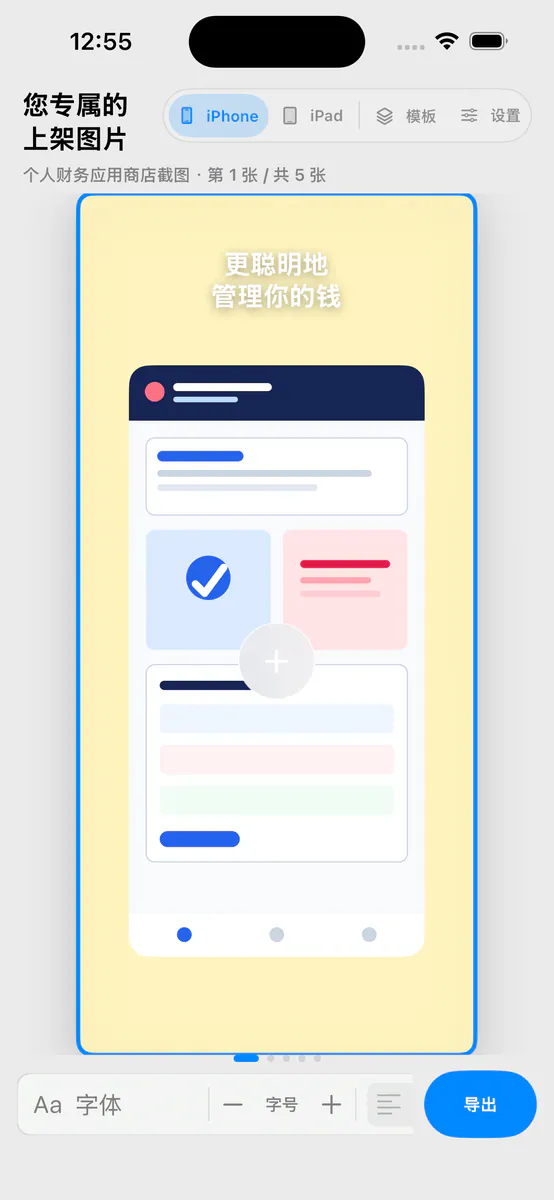
Begin with built-in iPhone and iPad templates, set the canvas and device frame first, and keep your attention on the product story.
- 02
Bring your own screenshots
Choose screenshots from Files or Photos to replace the template artwork. The app reads only what you actively select.
- 03
Edit type, background, and layout
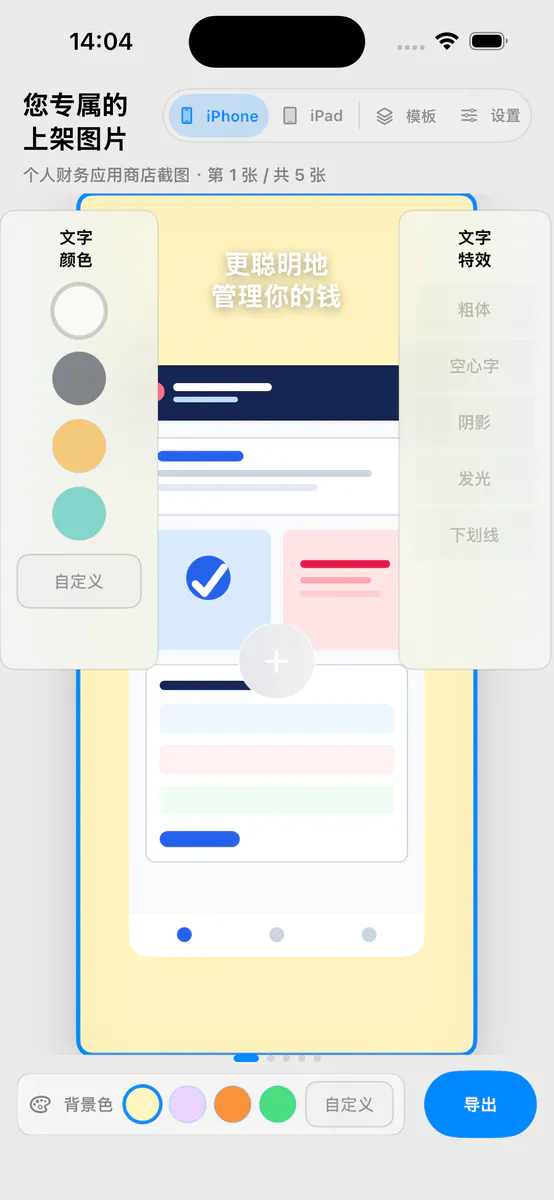
Adjust headlines, size, color, text effects, background, and on-canvas position so each image fits your product.
- 04
Projects stay local
Save an editable local project without an account, cloud sync, or subscription, then reopen it whenever you need another pass.
- 05
Export one or the full set
Export the current PNG or package all five screenshots as a ZIP, then review the files on your device before submission.
测试小站
Screens
测试小站